I Almost Spent $15,000 to Run AI Locally — So I Revived a 10-Year-Old MacBook Instead

This started with me wanting a new Mac Studio.
By the time I configured the machine I actually wanted, with enough memory and processing power to run serious AI models locally, the price was somewhere between $10,000 and $15,000. The appeal was obvious. I could run agents without paying by the token, keep private data on my own machine, and stop depending on somebody else’s cloud.
Then I did the subscription math.
Claude, ChatGPT, Grok, and Gemini are each roughly a $20-a-month decision at the individual subscription level. Even if I paid for all four, it would take more than 10 years to spend what that Mac Studio would cost. The computer might be private and powerful, but it was not going to make local AI free. It was just going to make me pay a very large bill up front.
A test of the local dream
Before spending anything, I tried a smaller experiment on the computer I already use: a MacBook Pro with an M1 Max processor and 64GB of RAM. That is not a slow computer.
I ran a Qwen 3 8B model locally and said hello. It took about 10 minutes to answer.
Then I asked it to make a single PDF flyer for my business. More than 10 hours later, I had a flyer. It was not horrible, but it was not usable either. It needed another pass. I could make those changes in ChatGPT in less than 30 minutes, fix the flyer myself in under an hour, or send it back through the local model and wait another 10 hours to see what happened.
That was the moment the local-computing dream ran into the present. To get the experience I wanted, I was going to need massive capital or massive patience. Neither one made much sense when the frontier models available online are so capable and comparatively inexpensive.
Maybe the privacy part of the dream needs to wait for now.
Looking in the other direction
Instead of asking how much computer I could buy, I started wondering how much computer I already had.
There are a few old machines sitting around my office. I have also been hearing for years that Linux is where much of the interesting AI development happens. What always stopped me was the usual Linux tax: driver problems, configuration rabbit holes, and an afternoon disappearing because one small piece of hardware would not cooperate.
The newer AI-first distributions made me wonder if that had changed. After watching DHH’s video about Omarchy and his interview with Lex Fridman, I decided to try it on a 2016 MacBook Pro. The machine has a 2.3GHz dual-core Intel i5 and only 8GB of RAM. In 2026, it is about as far from a maxed-out Mac Studio as I could get.
It took seven minutes to flash the Omarchy installer onto a thumb drive. Then it took another five minutes for me to remember how to bring up the Mac’s boot selection screen.
My first attempt went nowhere. The boot image appeared, but the process never progressed. It turned out I had plugged the thumb drive into a secondary monitor instead of directly into the MacBook. I moved it to the computer, restarted, and tried again.
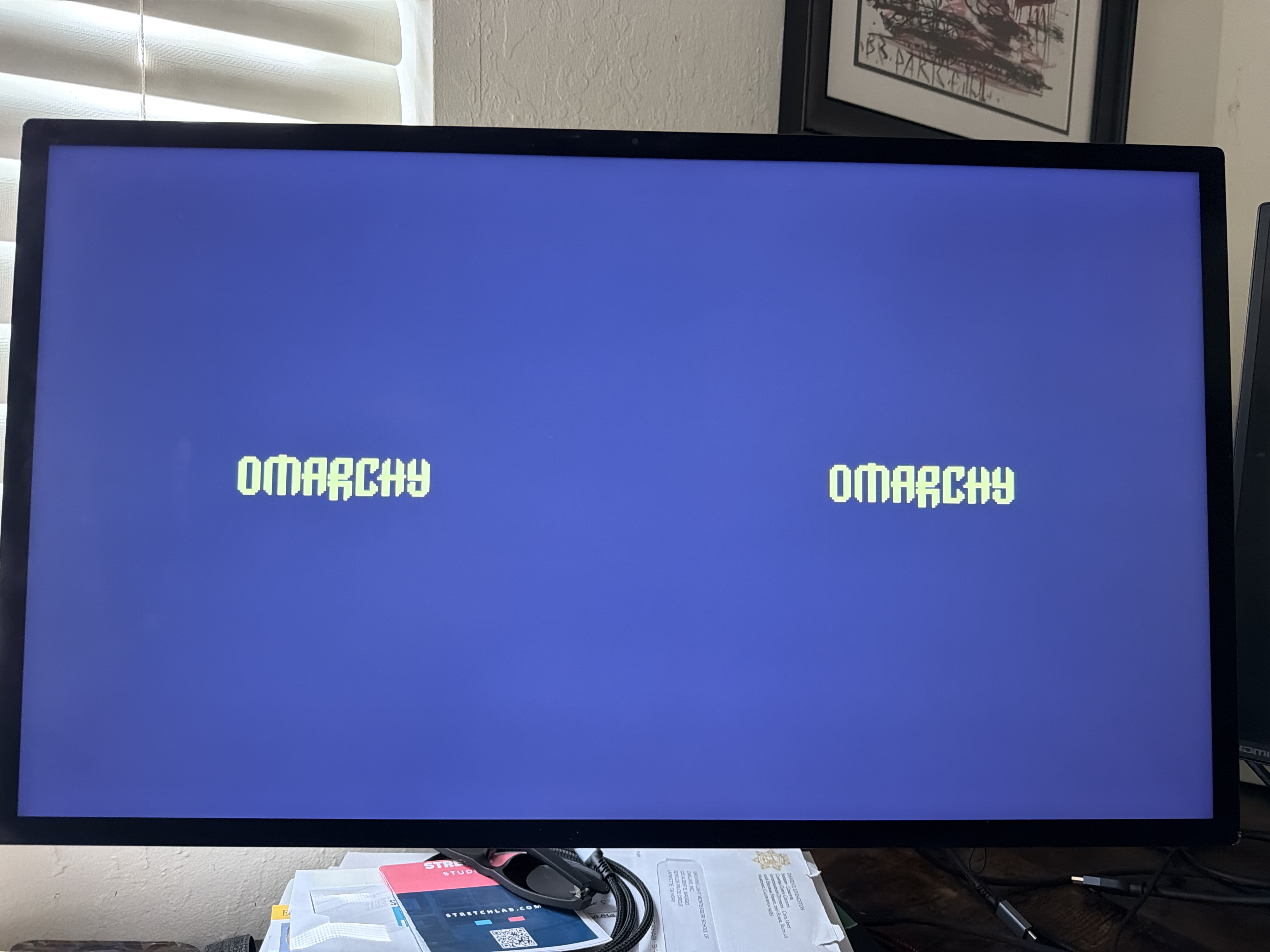
This time Omarchy installed in 3 minutes and 42 seconds. I was logged in and using the system in under five minutes.
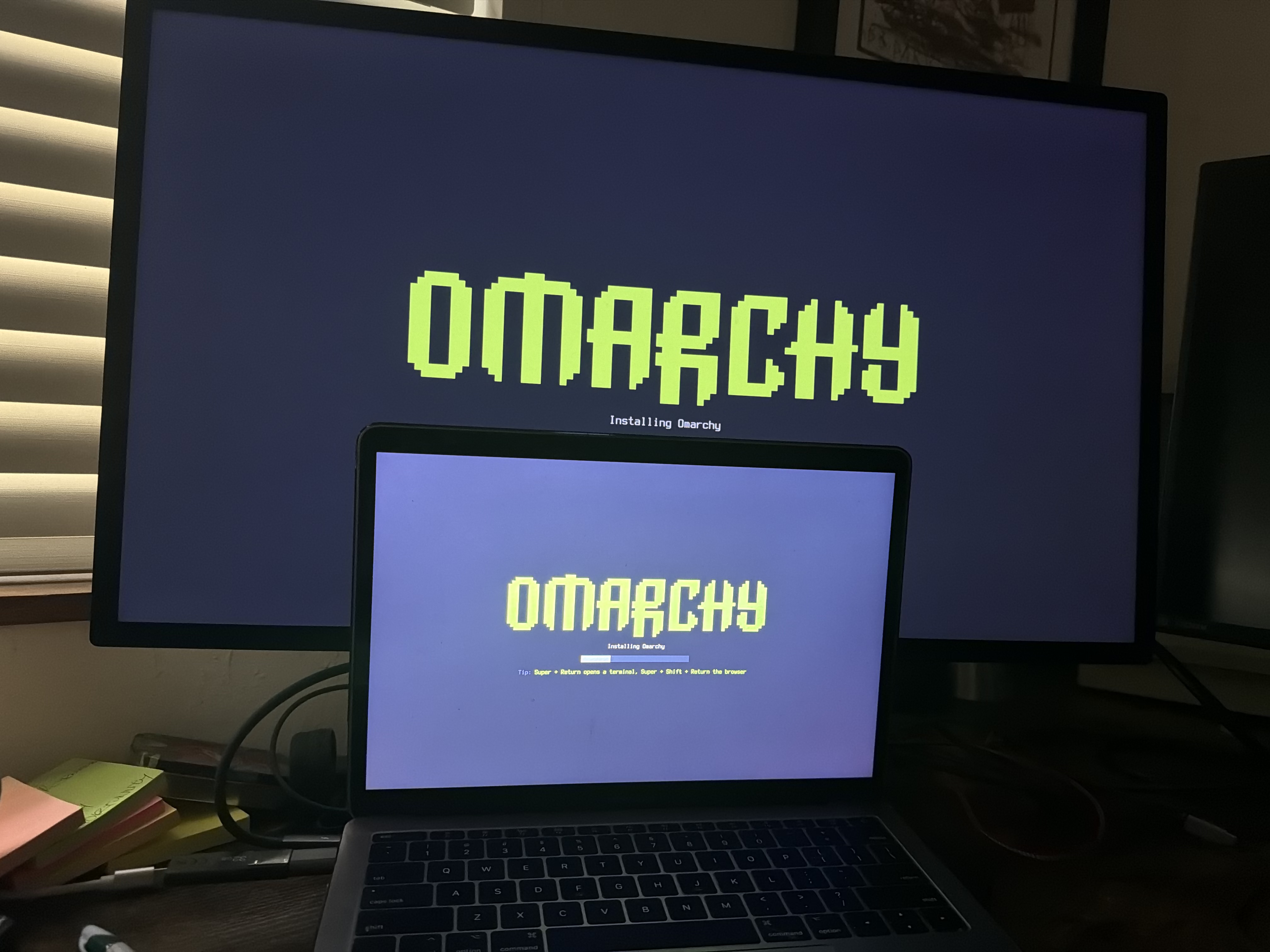
That was amazing.
The old computer felt new again
After getting used to the weight of macOS and Windows, Omarchy felt incredibly fast. Browser tabs flew. Terminal windows popped open instantly. Before long, I had all four frontier models working on tasks through their web interfaces while I moved around the rest of the system.
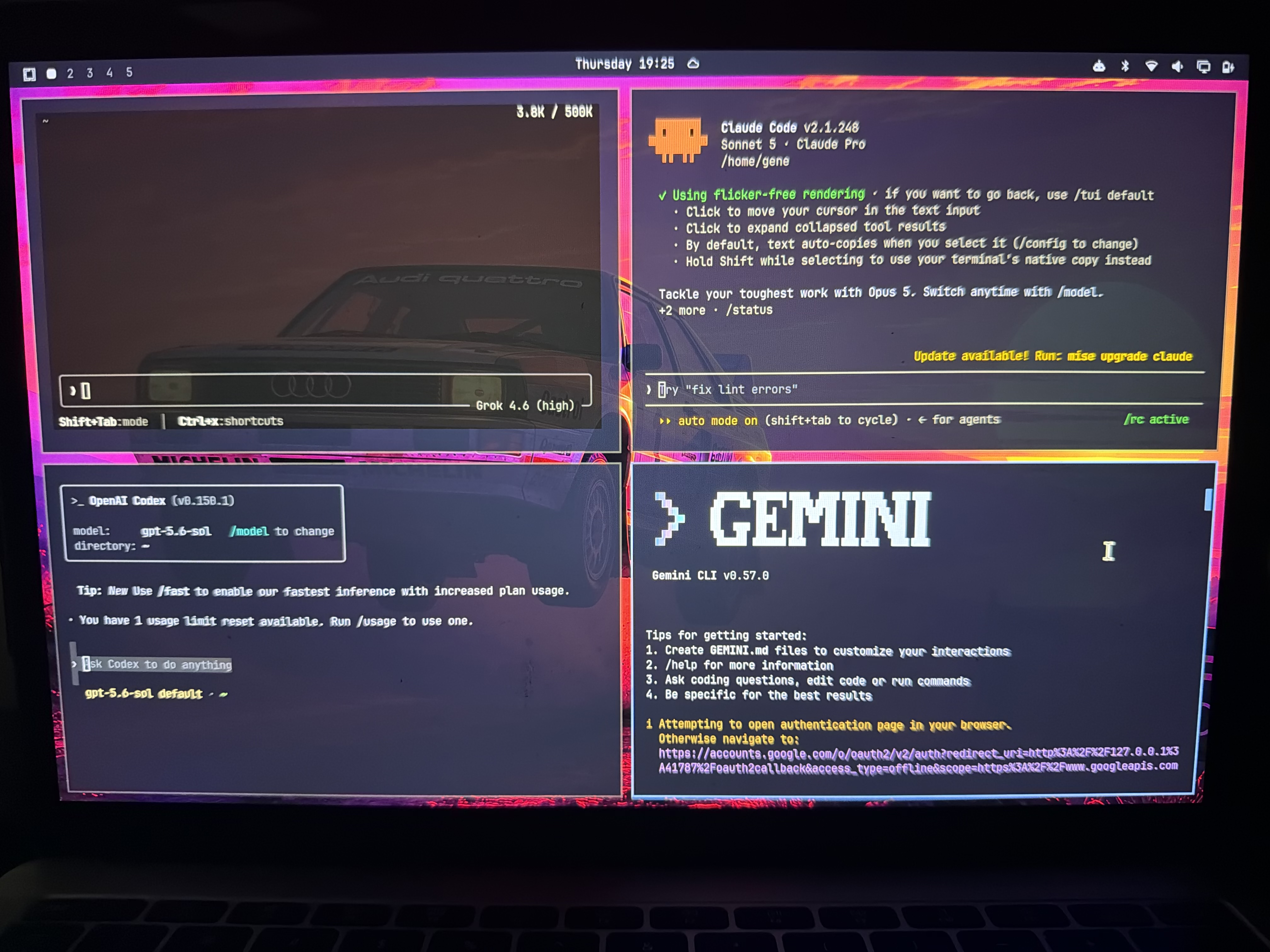
The little Intel MacBook handled 4K video on YouTube while I kept other browser tabs and terminal windows open. For ordinary daily work, it often felt faster than my current computer. Not faster at local inference, of course, but faster at the work I was actually doing.
Then I found the first very Linux problem: there was no sound.
This model of MacBook uses proprietary speaker hardware that needed some additional support. In the Linux I remember, that discovery would have meant searching old forum threads, comparing commands written for three different distributions, and hoping I did not make things worse.
This time I opened a terminal with Claude Code and asked what to do. It gave me the steps. I copied them into another terminal, restarted the machine, and the speakers worked. The sound is not perfect, but it works.
That small experience felt like a much bigger change. AI does not magically eliminate hardware problems, but it removes a lot of the fiddliness that used to make Linux difficult to recommend. I did not need to know the right package name or where a configuration file lived before I started. I could describe the problem in plain English and work through it from there.
I had the same experience with window management. Omarchy’s defaults did not quite fit the way I like to use full-screen apps and spaces. I asked Claude Code to help me change the behavior, and now it works the way I want.
Two problems that might once have ended the experiment became minor setup tasks.
What is still missing
The biggest break from the Mac is not performance. It is the Apple ecosystem.
There is no native iCloud integration, so my passwords, iMessages, and files do not simply appear when I sign in. I can find other tools and build workarounds, but none of it is as seamless as opening a new Mac and having everything waiting for me. That is the clearest pain point so far, and it may keep this machine from becoming my only computer.
It does not stop the MacBook from being useful, though. A computer that had aged out of my normal workflow is suddenly a fast, focused machine for browsing, writing, terminal work, and using AI services. Instead of spending five figures to force frontier-scale AI onto my desk, I put a free operating system on hardware I already owned and used the best online models from there.
My first-day verdict
This was my first real experience with Omarchy, my first time using a modern Linux distribution as a daily computer, and my first time running Linux on a Mac. I expected the install to be the beginning of a project. Instead, the whole machine was ready in minutes.
I am not pretending an eight-gigabyte Intel MacBook can replace a new Mac Studio for every job. It cannot. It is also not the private local-agent machine I originally imagined. For now, the actual AI work is still happening on someone else’s powerful computers.
But the experiment changed the question. I started by asking whether I needed a $15,000 machine to take advantage of AI. I ended up asking how AI could help me get more life out of the computers I already have.
One day in, Omarchy has made a 10-year-old MacBook Pro feel useful again. That is a much less expensive answer, and a more interesting one than I expected.